
Roblox Studio • Self-Paced • Beginner • Ages 9–13
From playing Roblox to building a game of their own.
A project-based beginner course where kids learn Roblox Studio and Lua coding by building, testing, debugging, and improving a real game—at their own pace.
9–13
Self-paced online
Beginner friendly
$70 one-time
See the self-paced Roblox course in action
A coding course built around creating—not just watching
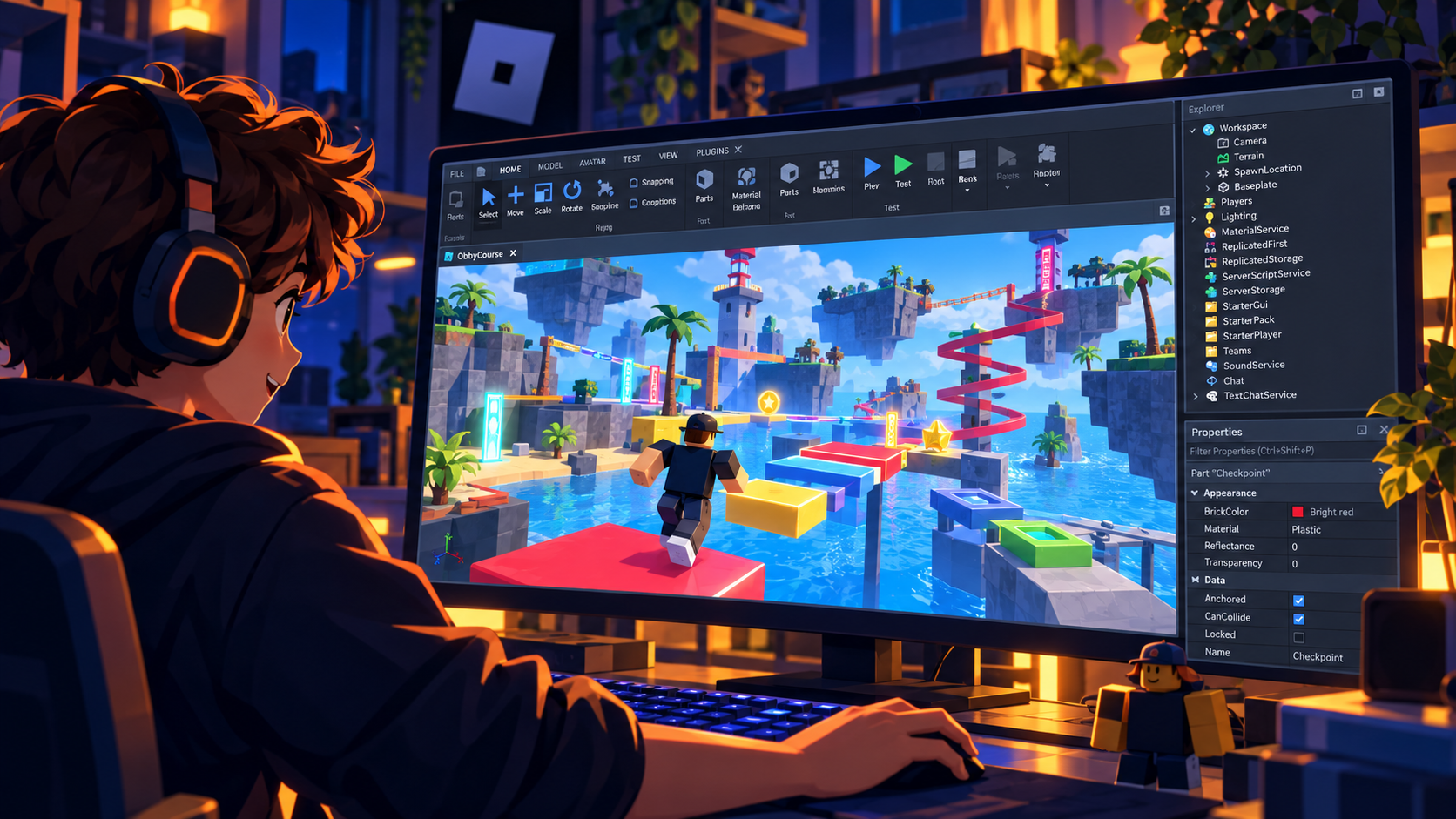
Students work inside Roblox Studio alongside the lessons. They make changes in their own project, predict what code will do, test the result, troubleshoot problems, and use what they learned in creative challenges. The goal is not to copy a finished game. It is to understand enough to make decisions and build something that feels like their own.
Build
Create a real game world
Students use parts, properties, checkpoints, effects, movement, health, and other Roblox Studio tools to create the game itself.
Code
Make the game respond
Beginner Lua scripting gives students a reason to learn objects, properties, functions, events, loops, and logic: they make something happen in their game.
Test & improve
Learn what to do when code fails
Students run the game, notice what happened, investigate mistakes, change one piece, and test again—turning debugging into part of the learning process.
What your child gets
11 guided course units, saved progress, hands-on Roblox Studio projects, beginner Lua coding, troubleshooting support, a built-in Help button, and a Create2Discover Certificate of Completion after all 11 units are marked complete.
The course is designed so students can stop, experiment, repeat a lesson, and return later without losing their place.
See the course journey
Each unit adds another piece of the game—and another skill the student can reuse in future Roblox projects.
Setup
Install Roblox Studio
Get the creation environment ready and make sure the essential tools are working.
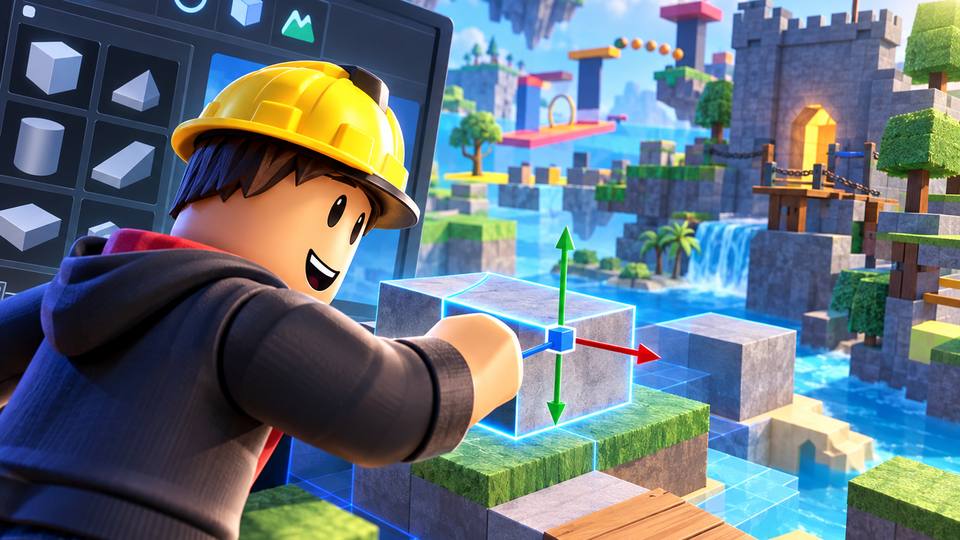
Lesson 1
Basic Building
Learn the Studio workspace and build with parts using Move, Scale, Rotate, Anchor, Explorer, and Properties.
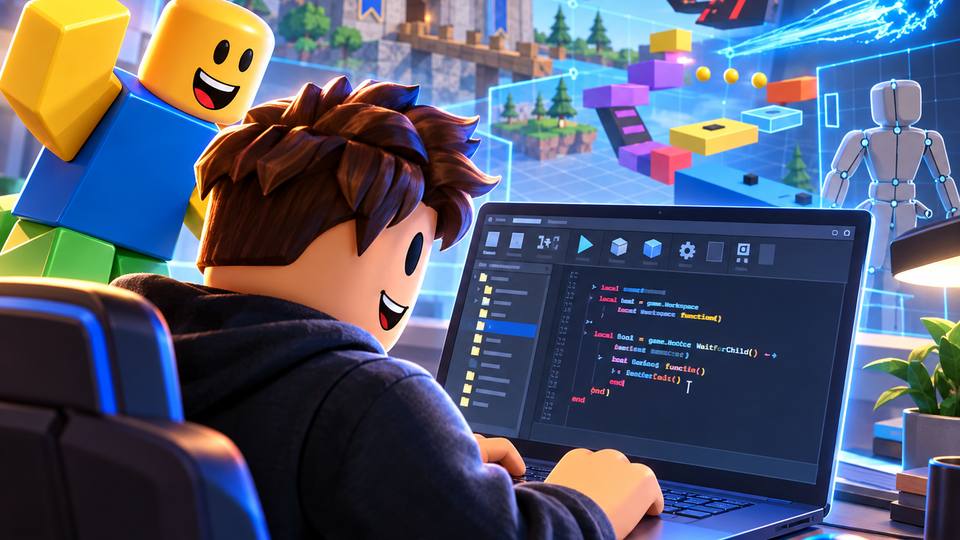
Lesson 2
Intro to Coding
Write a first Lua script and connect code to events so game parts can react to players.
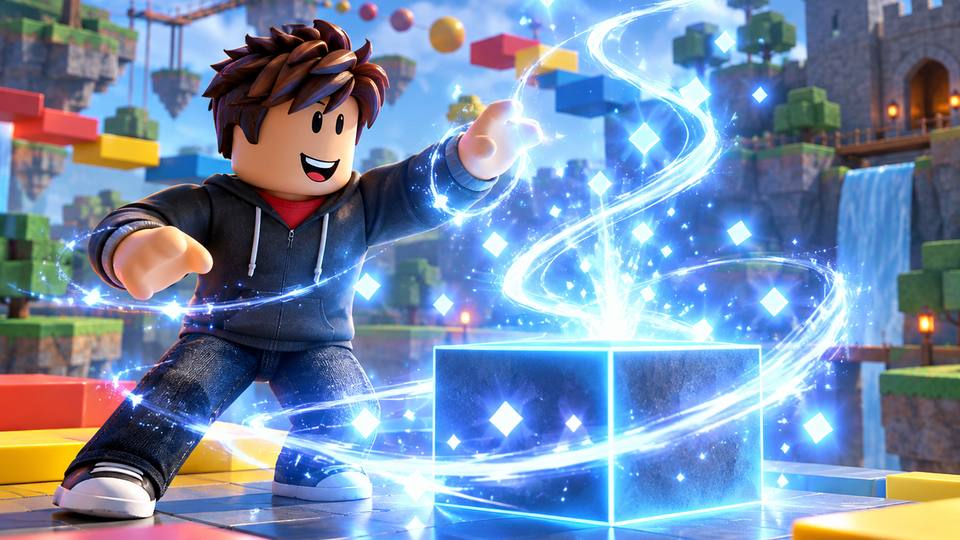
Lesson 3
Adding Effects
Use code to create new instances and add visual effects in the right place at the right time.
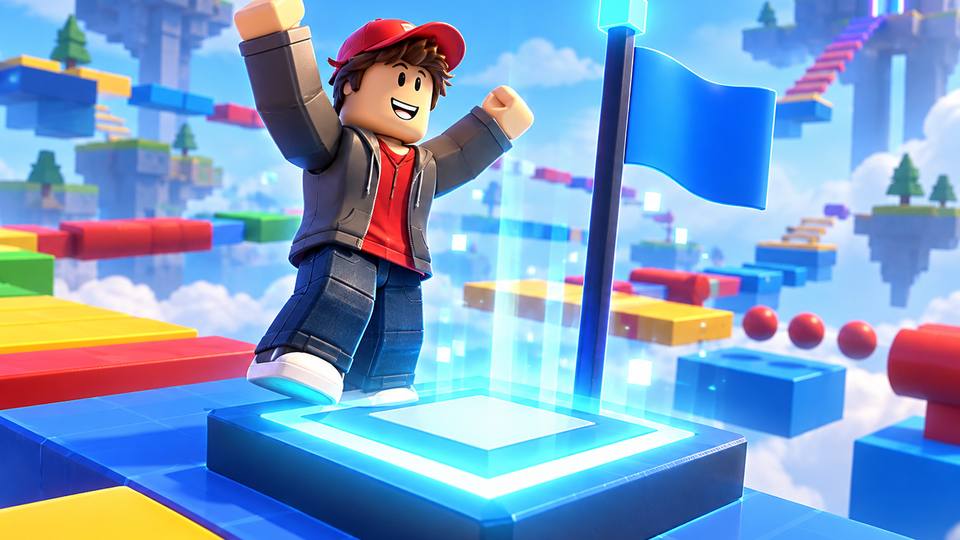
Lesson 4
Checkpoints
Build a checkpoint system that reacts to the player and saves progress through an obstacle course.
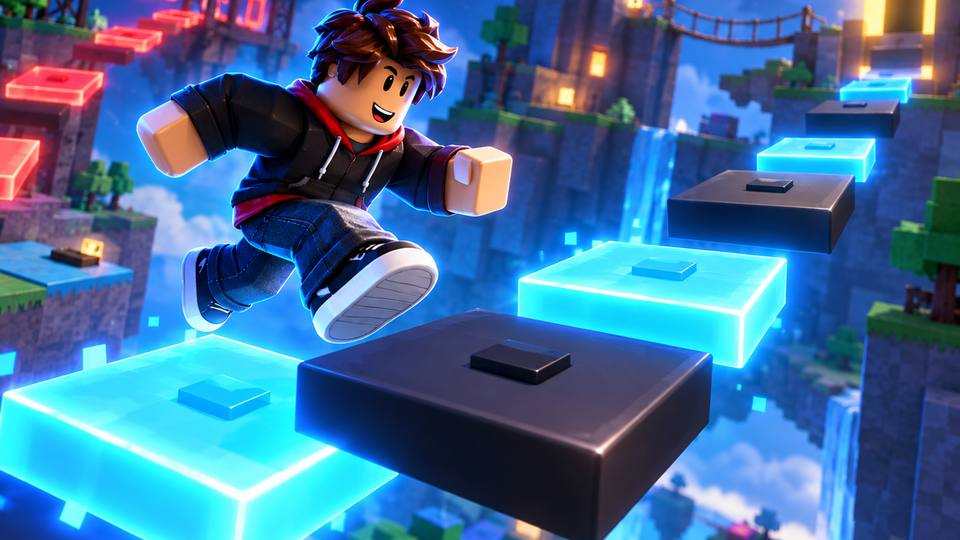
Lesson 5
Blinking Parts
Use loops and timing to repeat commands and create game elements that change over time.
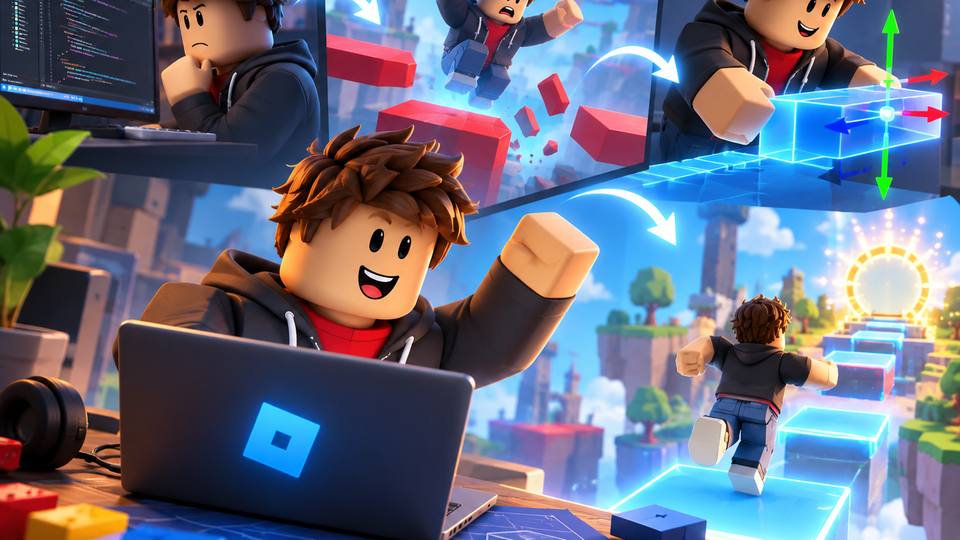
Lesson 5B
Growth Mindset
Practice learning from mistakes, feedback, and challenges instead of treating them as reasons to stop.
Lesson 6A
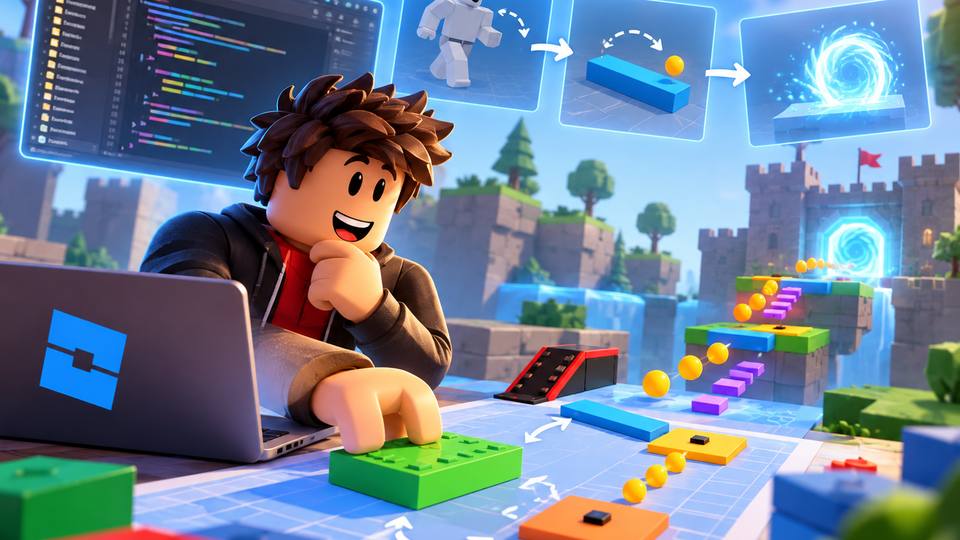
Computational Thinking
Break a bigger problem into smaller pieces, compare ideas, and choose a solution step by step.
Lesson 6B
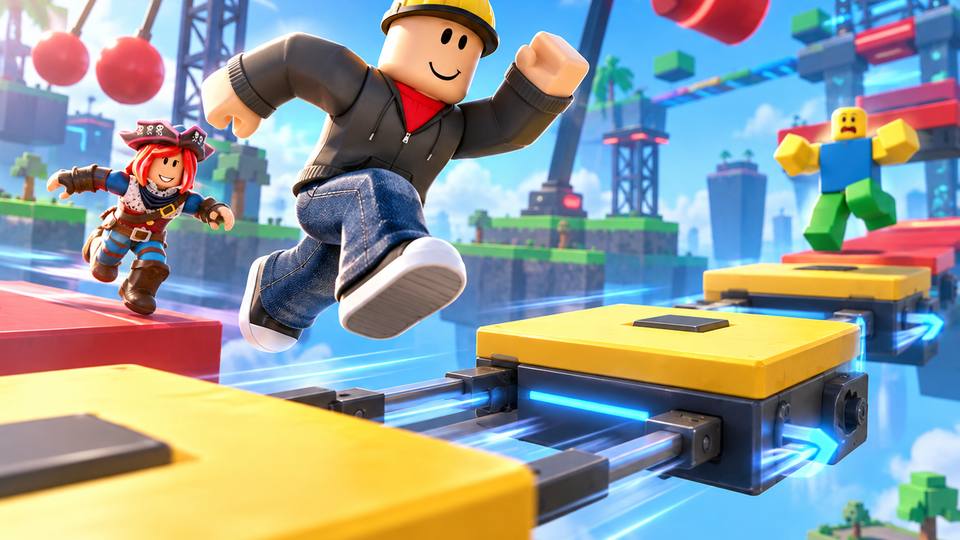
Moving Parts
Change positions with Vector3 and loops to create animated obstacles and more dynamic game experiences.
Lesson 7
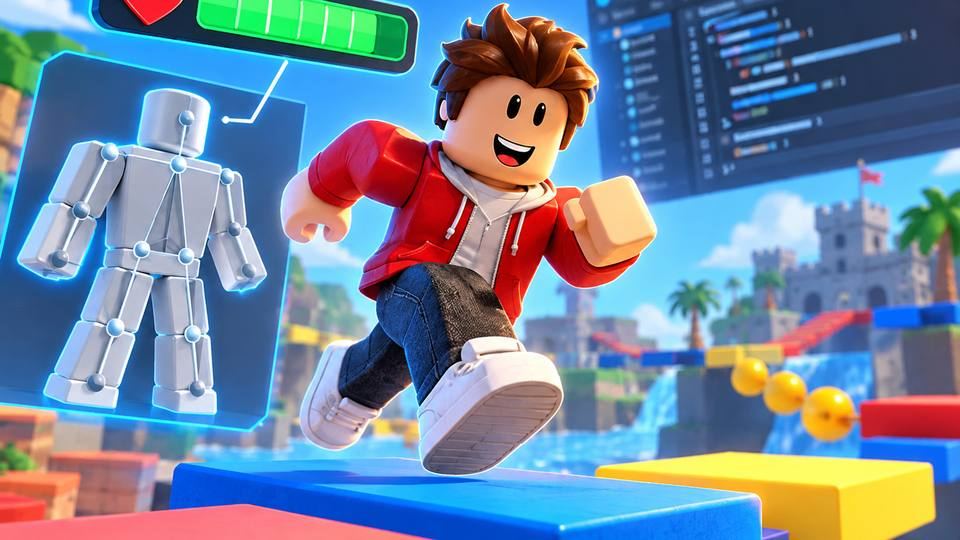
Health & Humanoid Properties
Work with character health, touch events, and game logic to change what happens during play.
Lesson 8
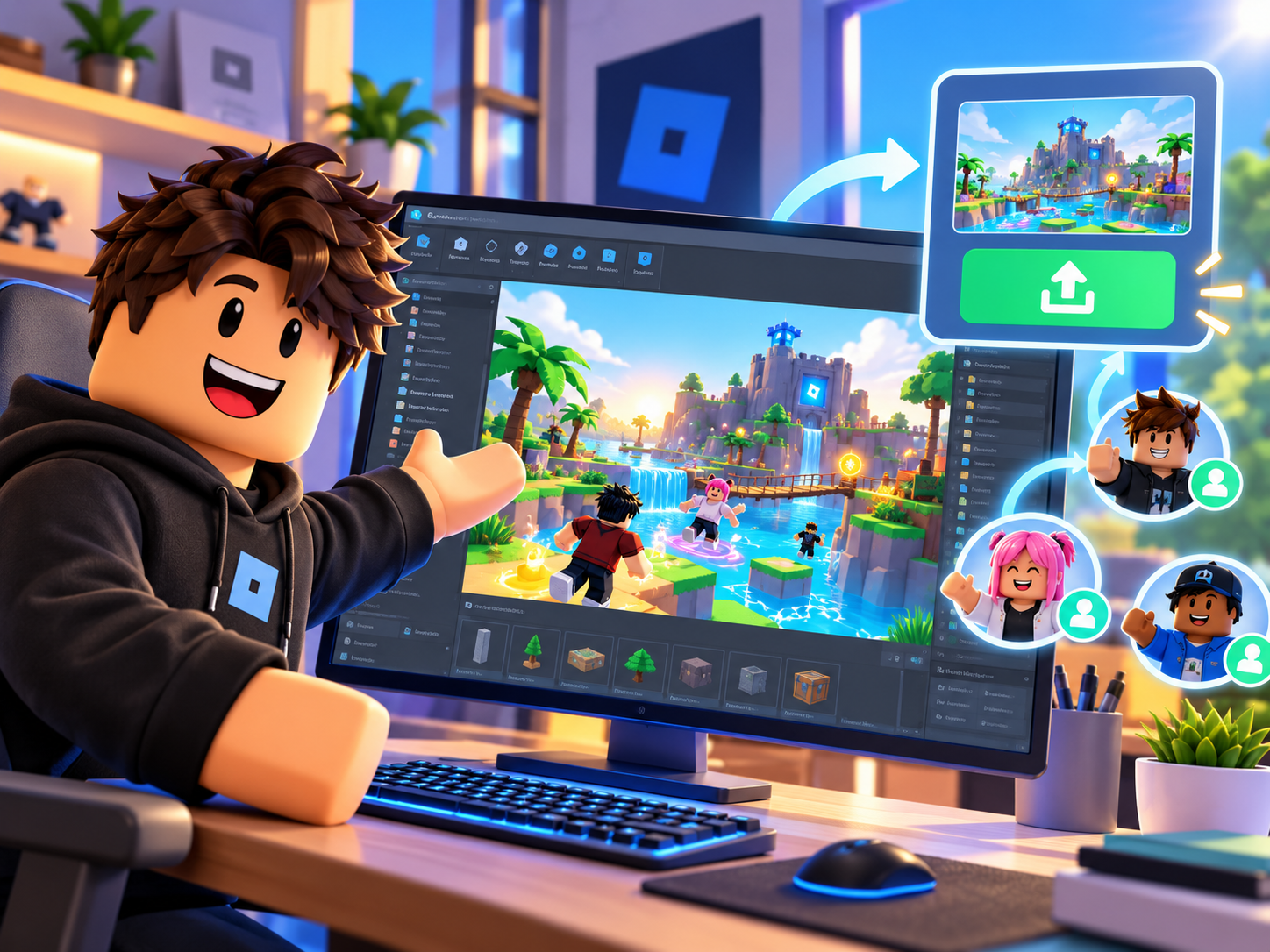
Final Game, Publishing & Sharing
Bring the skills together in an original project, finish the game, and learn how publishing and sharing work.
How the self-paced experience works
Step 1
Create or sign in to your family account
Create or sign in to your Create2Discover family account during registration. After secure payment is verified, the purchased course appears in your dashboard automatically.
Step 2
Learn, build, and save progress
Open a lesson, work inside Roblox Studio, complete the activity, and mark the unit complete. Progress is saved for the next visit.
Step 3
Ask for help when needed
If a student gets stuck, the Help window lets them send a question and paste their code directly from the course dashboard.
Beginner friendly, but not watered down
The course assumes no prior Lua coding experience. Students begin with Roblox Studio building and gradually add scripting concepts through concrete game behavior. By the end, they have worked with scripts, events, properties, functions, loops, movement, player health, testing, debugging, and project planning.
What students need
- A Windows or Mac computer capable of running Roblox Studio.
- A free Roblox account and Roblox Studio installation.
- Basic comfort using a keyboard, mouse, or trackpad.
- No prior Lua coding experience is required.
Who this course is a good fit for
- Kids who already enjoy Roblox and want to create instead of only play.
- Beginners who learn best when coding has a visible purpose.
- Students who like to pause, experiment, repeat, and work at their own pace.
- Families who want self-paced learning with a way to ask for help.
Designed by an experienced educator
This course is designed by Shawn Walk, who has more than 20 years of teaching experience, including 11 years as a classroom teacher. The Create2Discover approach emphasizes understanding over copying: students create, test, explain, troubleshoot, and make decisions about what to change next.
Self-paced does not mean unsupported
Lessons include troubleshooting guidance, and enrolled students can use the Help button from inside their dashboard to describe a problem or paste code. That message goes directly to Create2Discover for support.
Frequently asked questions
Is this a live class?
What ages is the course designed for?
Does my child need coding experience?
Does my child need Roblox Studio?
What happens if my child gets stuck?
Does the course include a completion certificate?
Will students just copy a finished game?
What is the refund policy?
Is enrollment open now?
Launch price: $70
Help your child go from Roblox player to Roblox creator.
Enrollment is open. Create or sign in to your family account during registration, complete secure checkout, and start learning from your dashboard.
Prefer live support? Explore Roblox tutoring Already enrolled? Student Login