
Roblox Studio • 1-on-1 Tutoring • Ages 8–14
1-on-1 Roblox Studio coding tutoring for kids
Live online Roblox Studio tutoring with Shawn Walk for ages 8–14. Students build games, learn Lua coding, test and debug their work, and get explanations, review, and pacing matched to what they need.
8–14
Live online, 1-on-1
Weekly, 1 hour
$90/hour
See the Roblox learning experience
What students create
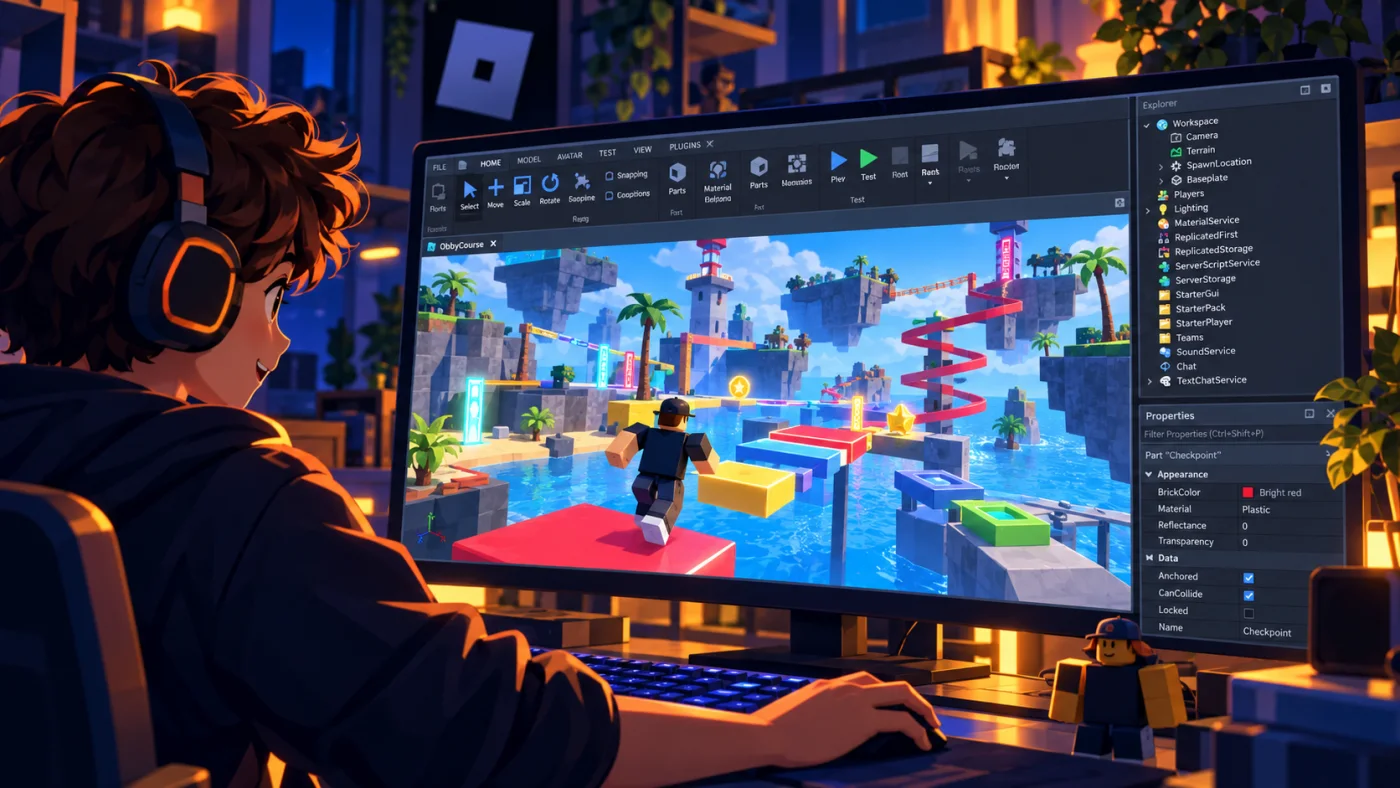
Build game worlds
Use parts and properties to create spaces, obstacles, objects, and interactive environments.
Code game behavior
Use Lua scripts, variables, functions, conditions, loops, and events to make the game respond.
Test and improve
Play the game, investigate mistakes, change one part, and test again until the student understands why it works.
Structured learning with room to create
The curriculum gives each lesson a clear purpose, while Shawn adjusts pacing, explanations, review, and questions to the student. Beginners can start with foundational building and coding, while students with experience can move faster and build on concepts they already understand.
Each project has clear coding and problem-solving goals, with plenty of room for students to make choices about how their games look, behave, and feel.
Technology requirements
- Mac or Windows computer capable of running Roblox Studio.
- Free Roblox account.
- Roblox Studio installed.
- Zoom access for live lessons.
Skills students practice
Along with Roblox Studio and Lua, students practice breaking a goal into steps, testing ideas, debugging, explaining what happened, and deciding what to change next. Those habits also support increasingly capable AI tools, where students need to define goals and judge results rather than simply accept an output.
Teaching experience you can trust
Shawn has more than 20 years of teaching experience, including 11 years as a classroom teacher. Parents receive a short summary after tutoring sessions so they know what their child worked on.
Read Create2Discover’s Trust & Safety approach.
Prefer to learn on your own schedule?
The beginner self-paced Roblox course gives ages 9–13 a structured 11-unit path through Roblox Studio and Lua coding, with saved progress and built-in help—without a weekly meeting.
Want to try Create2Discover first?
Get four free game-creation lessons covering Roblox building, Roblox coding, Minecraft modding, and MCreator coding. The first lesson arrives right away, with the next three delivered over the following week.
Ready to find the right starting point?
Tell us your child’s age, Roblox Studio experience, and scheduling needs. We’ll discuss fit and the next steps.