
MCreator Tutorial • Minecraft Modding • Beginner
MCreator Tutorial for Beginners: Create Your First Minecraft Mod
Create a custom Minecraft block with MCreator and learn the basic development cycle: design it, build it, launch the test environment, and see your creation inside Minecraft.
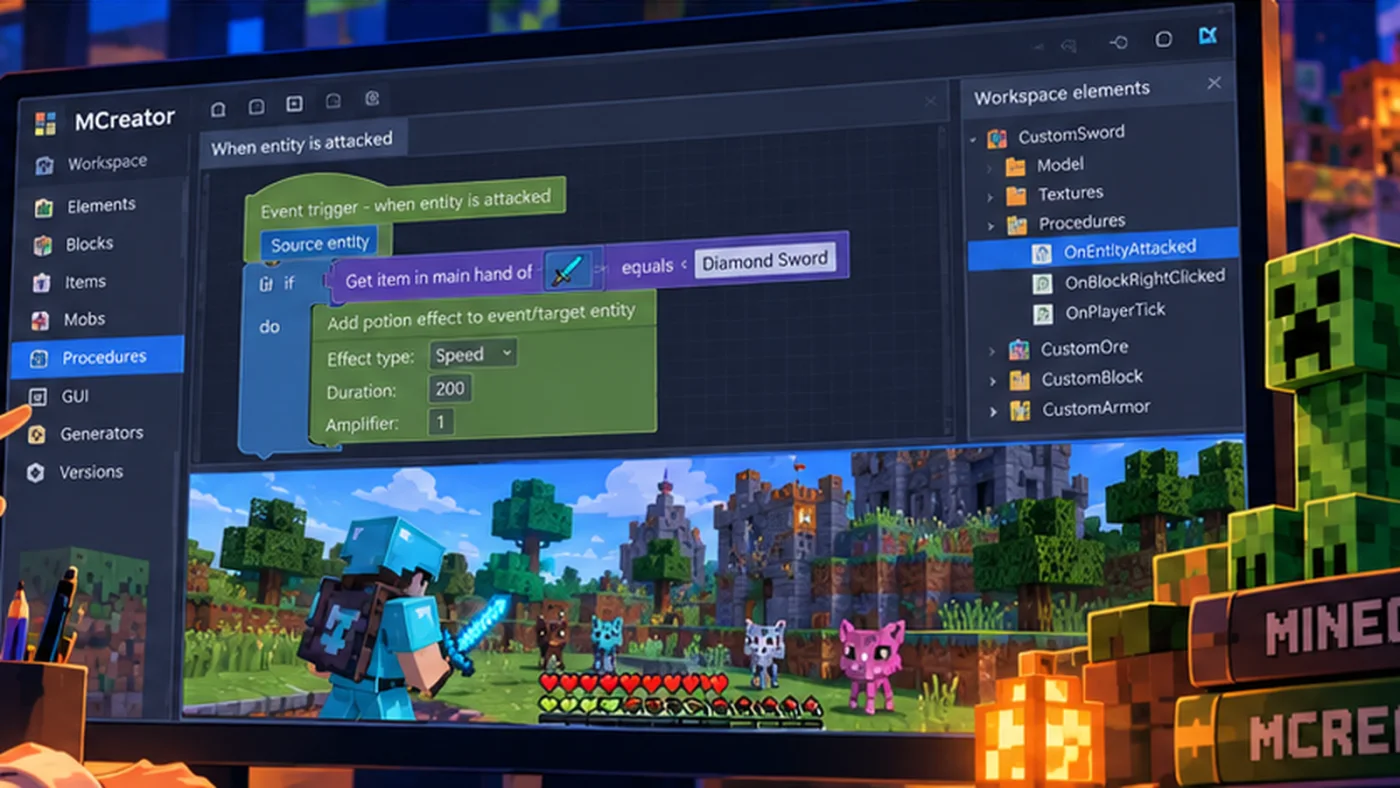
Originally published August 7, 2026
Watch the beginner tutorial
Watch the MCreator tutorial on YouTube
What is MCreator?
MCreator is a development tool for creating Minecraft Java Edition mods. It gives beginners visual tools for creating blocks, items, mobs, procedures, and other custom content while also providing a path toward deeper programming concepts.
What you will learn
- Create a new MCreator workspace.
- Create a custom block.
- Choose the block’s texture and properties.
- Build and launch the development version of Minecraft.
- Find and test the new block in the game.
- Make a change and run the project again.
Why start with a custom block?
A block is a manageable first project. It introduces the structure of a mod without requiring a beginner to understand every feature at once. Students can see that a digital creation has visual assets, settings, and behaviors—and that the project must be built and tested before they know whether it works.
The development cycle
- Plan: Decide what the block should look like and what role it will have.
- Create: Add the new mod element and configure its properties.
- Build: Let MCreator generate and compile the project.
- Test: Run Minecraft in the development environment.
- Improve: Change one thing and test again.
What can you make after this?
Once the basic workflow makes sense, students can create custom tools, ores, food, armor, mobs, structures, special effects, procedures, and much larger systems.
Ready for Part 2?
Next, give your block behaviors with MCreator procedures—including lightning, explosions, and spawning mobs.